DashboardFox is AI-powered business intelligence software without per-seat pricing. Ask in plain language and Ask AI builds a saved, editable report, KPI card or chart on your own database — governed by your security, delivered under your brand. White-label and row-level security are included on every plan.
Ask AI on every plan — your model, your key, no AI tier
Shipping BI software since 1999. No VC. You talk to engineers.
Row-level security + white-label — every plan, no upgrade required
Tier pricing from $99/mo — zero per-seat surprises
Ask AI · on every plan
AI that builds the report — and can't get around your security
Ask AI, part of DashboardFox AI, is the AI report builder inside DashboardFox: you ask a question in plain language and it builds a real, saved, editable report — a data grid, KPI card, chart or pivot — that runs through the same engine, permissions and row-level security as a report built by hand.
Most AI BI features have the model write SQL and hope it is right. Ask AI doesn't. The model drafts a report definition — fields, filters, grouping, chart — and DashboardFox's own engine builds and runs the query with the user's permissions applied.
Tickets by category this month vs last monthGrid + change columns
Top 10 customers by revenue this year as a bar chartBar chart
Revenue this month vs last month as a KPIKPI card
Only the West region — and make it a line chartFollow-up revises the same report
Use this report opens it in the builder like any other report: edit, save, schedule, share, add to a dashboard.
Useful because it's governed. Affordable because the model is yours.
Your security decides, not the AI
Every answer runs through the same permissions and row-level security as a report built by hand. Two clients asking the same question each get only their own data.
A real report, not a chat answer
Every answer says in plain words what was built and what was left out. Open it, see exactly how it works, fix it by hand or ask a follow-up.
Bring your own model
Anthropic (Claude), OpenAI, Google Gemini, or any OpenAI-compatible provider such as OpenRouter, Groq or Mistral. Typically a few cents per question, with a daily limit you set. What it costs →
Most BI tools charge for accounts that sit idle
Power BI, Tableau, and Metabase all charge per named user — whether they log in or not. Buy 50 seats for your team or clients. If only 12 open a dashboard this month, you're still billed for 50. White-label and row-level security? Those cost extra on top.
If you don't fix this, you either absorb the cost — killing your margin — or pass it to clients, killing the deal. Or you skip BI entirely and keep emailing Excel files, because no tool has ever justified the cost of giving everyone access.
50seats purchased
12actually log in
$700/mowasted on idle seats
Run your own numbers
How many log in monthly?
DashboardFox$197/mo
Starter · ~25 active
Power BI$700
Tableau$1,750
Metabase$1,055
You'd save about $503/mo vs the cheapest per-seat option.
Give everyone an account. Pay only for who logs in that month.
Your tier sets the limit, not your headcount
Pick a tier — 5, 30, or 100 MAU. Create accounts for your whole team or every client. Only people who actually log in that month count against your limit.
Email recipients never count
Send scheduled reports to hundreds of stakeholders via email. They never need to log in — so they never touch your MAU limit.
Row-level security + white-label: included
Not a premium add-on. Not an enterprise tier. Every plan ships with the features other vendors charge thousands a month to unlock.
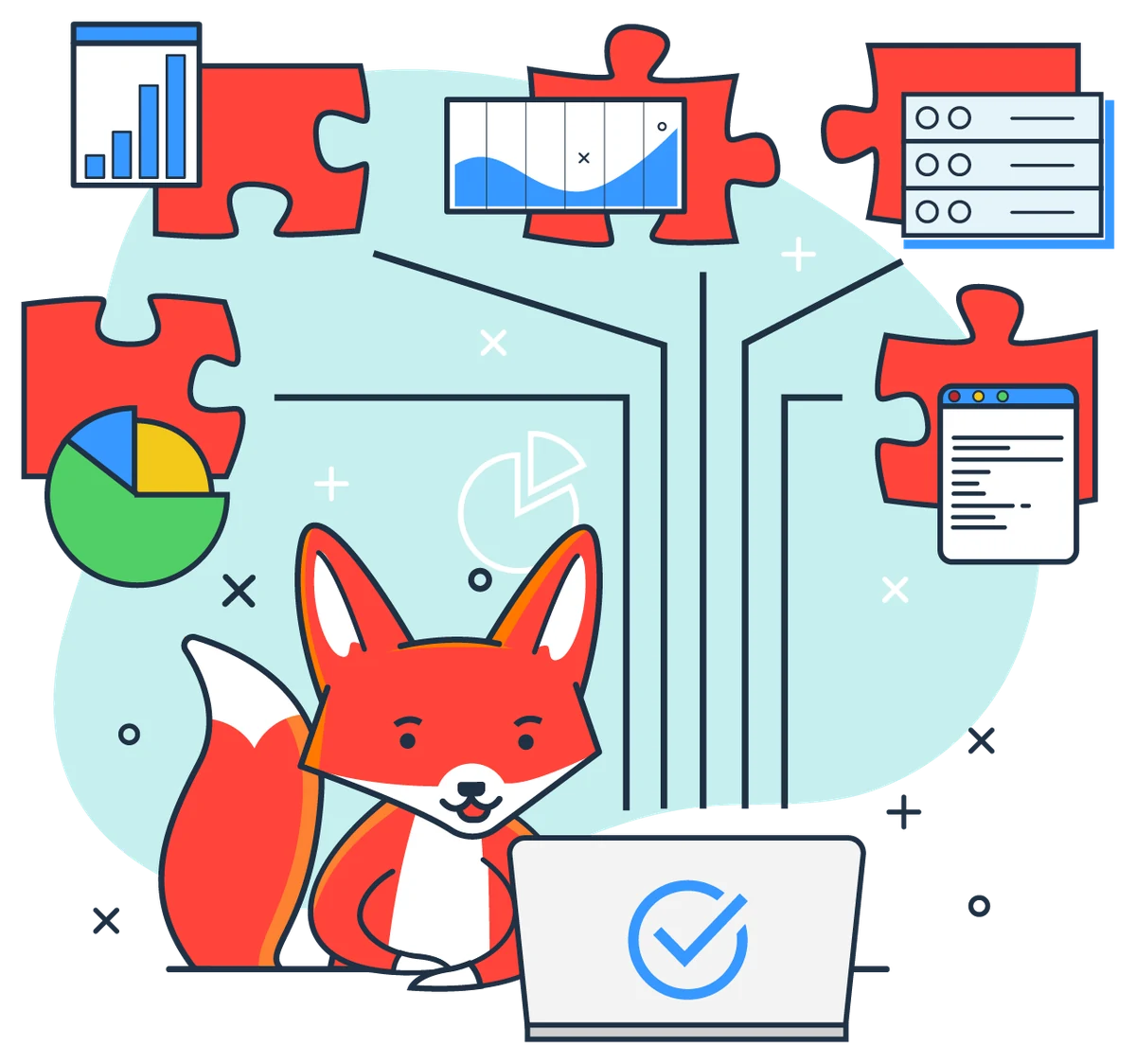
Connect. Build. Share.
No ETL pipeline. No data warehouse required. Connect directly to your database, build dashboards visually or in SQL, and deliver them to your team or clients — under your brand.
Native drivers for PostgreSQL, MySQL, SQL Server, Oracle and more. ODBC for Snowflake, BigQuery, Redshift. No ETL, no syncing — live queries against your data.
Step 2
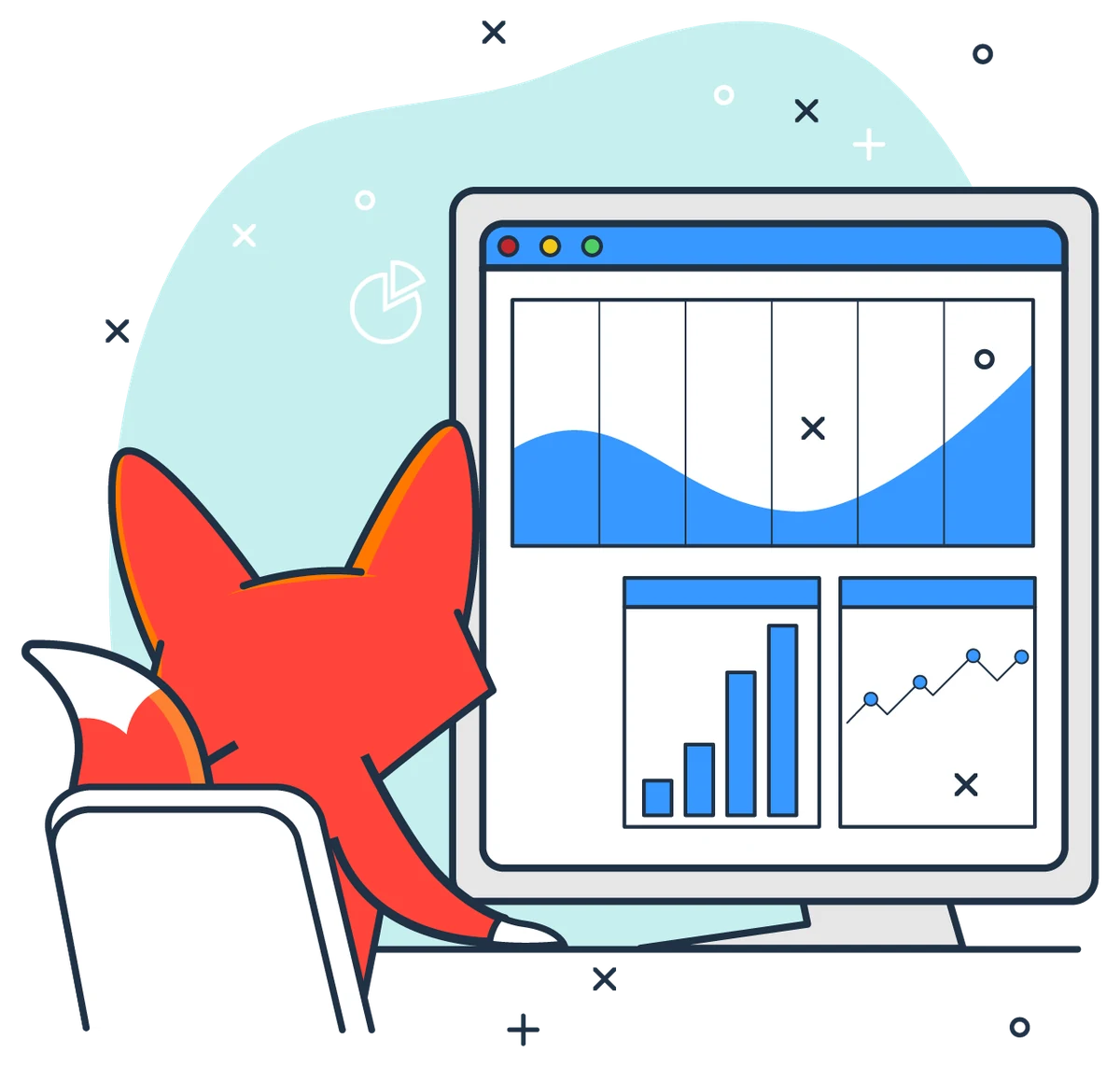
Build your dashboards
Ask AI for a first draft in seconds, or drag-and-drop it yourself. Raw SQL and stored procedures for your analysts. 20+ chart types, pivot tables, KPI tiles, and maps — no coding required for most tasks.
Step 3
Share under your brand
Your domain, your logo, your colors. Row-level security ensures each person sees only their data. Schedule email delivery to hundreds — they never need to log in.
A full BI platform — without the enterprise price tag
Connect your data, build dashboards, and share with your team or clients. Every feature shown below is included from day one — no upgrade required to unlock security or white-labeling.
You serve dozens of clients. You're tired of emailing static PDFs, manually updating Excel reports, or paying per-seat for tools your clients barely open. You want to deliver reporting as a service — and charge for it.
White-label everything — your brand, your domain, zero DashboardFox branding
Build client reports with Ask AI — a separate AI key and budget per client if you want
Each client sees only their data — automatically, no per-report setup
Your analysts want SQL flexibility. Your business users want drag-and-drop simplicity. You've been told you can't have both without enterprise pricing — and you're tired of gatekeeping access to reports.
Raw SQL and stored procedures for power users
Ask AI and a no-code builder for everyone else
Connect directly to your database — no ETL, no syncing pipeline
Growing Businesses
You bought 30 licenses because you thought you'd need them. Six months in, only 12 people actually use reports. You're paying for software sitting idle — and white-label or row-level security would cost extra anyway.
Pay only for users who actually log in each month
No penalty for adding occasional or seasonal users
Ask a question, get a report — no data team required
More than a logo swap — configure the entire experience
Control your brand, your domain, and which features each audience can see. Same platform, completely different experiences. Your clients never know DashboardFox exists.
Client Group ADashboards & reports only — scheduler, exports, and admin hidden
DashboardsReportsSchedulerExportsAdmin
Client Group B Basic tierDashboards only. You decide what to charge clients for more access.
DashboardsReportsSchedulerExportsAdmin
We have no say in what you charge your clients. Your DashboardFox price stays flat. Charge clients whatever you want for the reporting layer — we never see that relationship. Most agencies use this to turn reporting from a cost center into a revenue line. Charge 10 clients $150/month for reporting and your $249 Growth plan becomes $1,251 in monthly profit.
Everyone can have an account. You pay for your plan's MAU limit — add +10 MAU blocks anytime. Unlimited reports, dashboards, and Apps. Ask AI on every tier. EU & US data regions, dedicated databases, and GDPR-ready architecture on every tier.
DashboardFox runs on the same BI engine organizations of every size have trusted for their reporting since 1999 — many of them for more than a decade.
1999
building BI software
6
continents with customers
10+ yrs
with us, for many customers
Federal government
State & local government
Fortune 500
Healthcare
Banking & finance
Manufacturing
SaaS & software vendors
Retail
Consulting
Startups & small business
Our roadmap was built from lost deals, not a pitch deck.
We've been building BI software since 1999. The problem hasn't changed: tools are either too expensive for small teams or too simple to be useful. Enterprise vendors charge per seat, lock security behind premium tiers, and require dedicated IT staff. So most teams end up emailing Excel files — because they can't justify the cost of giving everyone access.
DashboardFox is built by 5000fish — bootstrapped for 25 years, no venture capital, no pressure to chase enterprise deals. One codebase, refined through real-world use across government, healthcare, finance, and manufacturing.
When you reach out, you're talking to engineers who build the product. When you give feedback, it shapes what we ship next week — not next year.
Your report results are never sent to the AI provider. By default the model sees structure — table and field names and descriptions — plus your question. You control whether any stored values are shared, and Strict Privacy mode blocks all database values.
Security enforced by the platform, not the model
The AI produces a report definition; DashboardFox builds the query. It cannot reach tables or fields a user can't use, cannot bypass row-level security, and cannot write, update or delete.
Private AI, including on your own servers
Point Ask AI at a private or self-hosted model through any OpenAI-compatible endpoint. Combined with the self-hosted edition, questions and answers can stay inside your network.
Yes. Ask AI, part of DashboardFox AI, is the AI report builder inside DashboardFox: you ask a question in plain language and it builds a real, saved, editable report — a data grid, KPI card, chart or pivot — that runs through the same engine, permissions and row-level security as a report built by hand. It is available on every cloud plan and in the self-hosted edition.
Ask AI is on every plan, cloud and self-hosted. You connect your own AI provider key, so there is no AI tier, no credit pack and no mark-up: you pay your provider directly for what you use. A question is typically a few cents on a mid-priced model, less with prompt caching, and the cost does not grow with the size of your data.
Your report results are never sent to the AI provider. By default the model sees structure — table and field names and descriptions — plus your question. You control whether any stored values are shared, and Strict Privacy mode blocks all database values. The question a user types is always sent, so anything typed into the question reaches the provider.
No. The AI drafts a report definition and DashboardFox's own engine builds and runs the query, with the same permissions and row-level security as any other report. The feature is read-only: it cannot write, update or delete data.
Anthropic (Claude), OpenAI, Google Gemini, or any OpenAI-compatible provider such as OpenRouter, Groq or Mistral. You can assign different providers and keys to different user groups or individual users, and switch providers without rebuilding anything.
A monthly active user is anyone who logs in at least once during the calendar month (1st to end of month). Log in 20 times? Still counts as 1. Your plan tier defines your MAU limit — Starter is 5, Growth is 30, Scale is 100. If you give accounts to 150 people but only 18 log in, only 18 count. People who only receive scheduled reports never need to log in and don't count toward your limit at all.
We don't cut you off. There's built-in cushion above your plan limit and we send you a warning when you're trending over — giving you time to add a +10 MAU block or upgrade before anything changes. No surprise lockouts, ever.
Data Tags are simple values you assign to users once — things like ClientID=42 or Region=West. DashboardFox automatically filters every report by those tags, so users only ever see the data they're allowed to see. No per-report configuration needed. Ask AI answers are filtered the same way.
Yes. Branding policies control your domain, logo, colors, login page, and emails — plus which features are visible to each audience. There are no "Powered by" badges anywhere. It looks and feels like your own platform from day one.
Native connections to SQL Server, PostgreSQL, MySQL, MariaDB, and Oracle are included on all plans. Cloud warehouses like Snowflake, BigQuery, and Redshift connect via ODBC drivers — availability varies by plan. You can also upload Excel or CSV files, or pull data from REST APIs including Google Sheets.
Yes — free for 14 days, no credit card required. Click once to extend 7 more, for 21 days total. Need more time? Just reach out — no sales call required. To try Ask AI during your trial, add a key from Anthropic, OpenAI, Google Gemini or any OpenAI-compatible provider. It takes about two minutes, you can test the model on a built-in sample report before touching your own data, and a trial's worth of questions typically costs a dollar or two.
No for most users. You can ask a question in plain language and let Ask AI build the first draft, or build reports with no code and drag-and-drop. For advanced needs, we also support raw SQL and stored procedures.
No. No contracts, no setup fees, and no bait-and-switch pricing. Annual plans are non-refundable, but what you see is what you pay — we think that's how software should work.
14-day free trial — no credit card
Built lean. Priced fairly. Supported by humans.
Full access to all features. No credit card required.